
SUBSCRIBE TO THE NEWSLETTER
Get the latest insights on LLM and search visibility to help your business get cited.
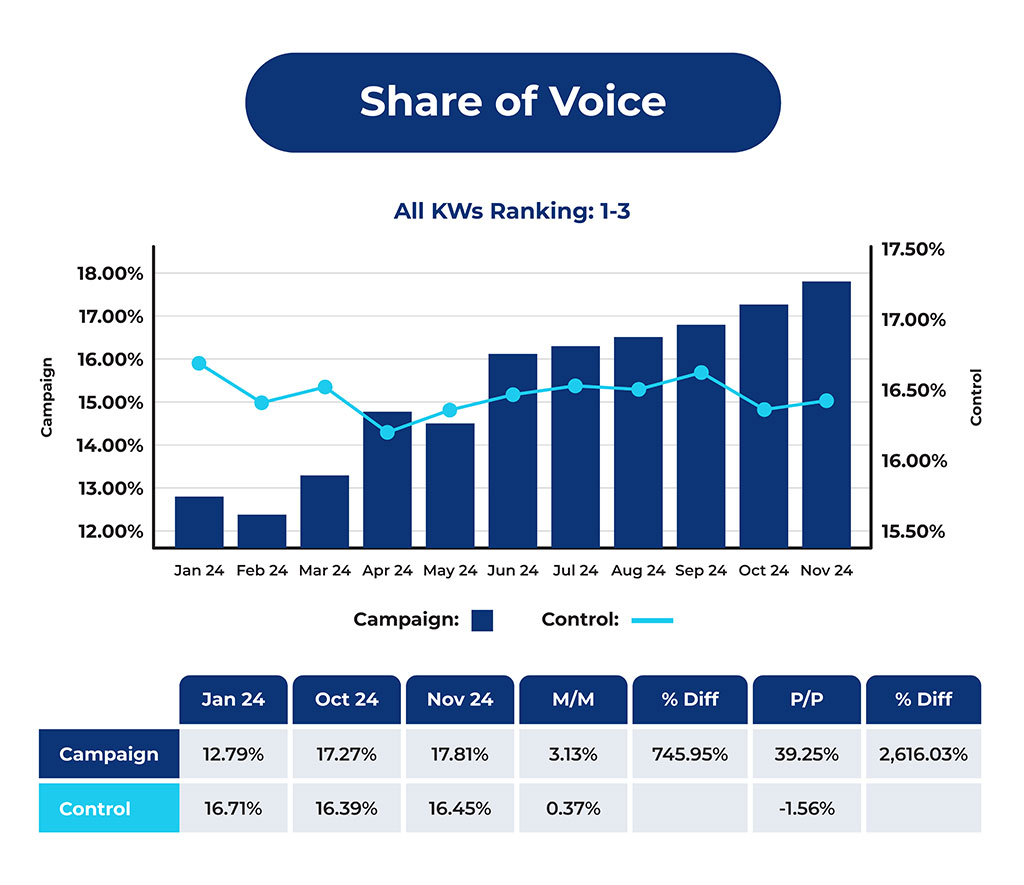
Solve your toughest AI visibility question
Use the Citation Labs Field Guide System with AI to work through the problem, gather the right data, test what should change, and decide what to do next.
Follow the process on this page to get started.
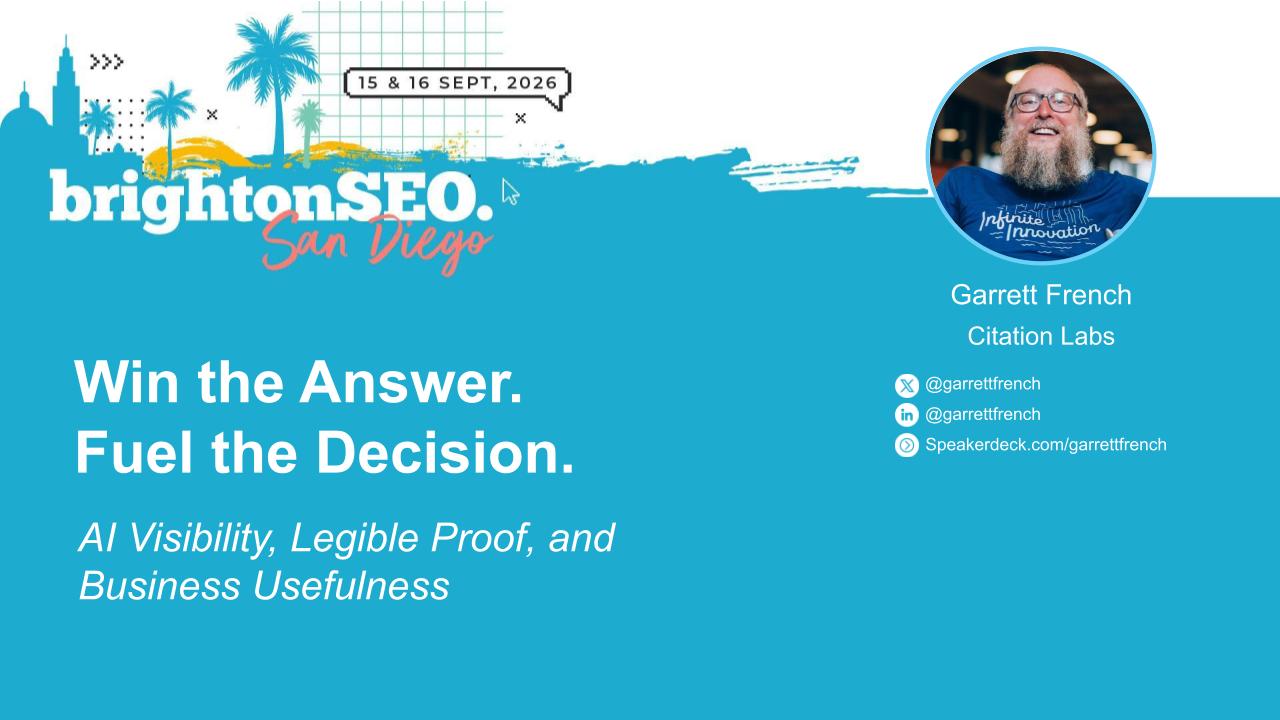
Get Started
Start solving your AI Visibility problem (in less than 30 seconds).
Download the Guides
You’ll use all three guides to work through your AI visibility problem.
Start a new AI chat
Upload all three guides to your favorite AI tool with temporary chat turned on.
PASTE THE STARTER PROMPT
This tells your AI how to use the guides and walk you through the process.
How It Works
Prepare for the work
- Set aside 2–3 hours for a first pass.
- Bring a current problem you’re trying to solve
- Download all three guides and load them into the same AI conversation.
- Bring whatever you have: examples, reports, screenshots, customer feedback, analytics, research, etc.
Note: You don’t need a complete dataset. Start with the evidence you have. The AI will request more if needed to improve the decision.
Explain the problem and the decision
Tell the AI what’s happening, what you know, and what you need to decide.
Start in ordinary language. Describe the signal that brought you here and the question you are trying to answer.
The AI should identify which guide owns the next unresolved question rather than forcing you through all three in order. AI Visibility owns machine behavior, Information Design owns human work, and Business Impact owns organizational consequence.
Build the diagnosis
Work with the AI to figure out what is actually happening before choosing a fix.
The AI should help you:
- Separate observations from assumptions and hypotheses
- Decide what needs to be measured
- Establish a baseline
- Identify where the problem occurs
- Narrow the investigation until the next action is clear enough to take.
For example, a vague concern about AI visibility might become a fixed prompt set, a baseline across ChatGPT, Gemini, and Perplexity, and a specific gap in the owned or external sources those systems rely on.
Get the evidence the diagnosis needs
When the investigation hits an uncertainty, get the evidence that would change the decision.
Sometimes the AI can continue from what you already provided. Sometimes it should stop and ask you to:
- Run a set of prompts
- Pull CRM or analytics data
- Inspect a page or source
- Talk to a stakeholder
- Bring back examples
- Upload the results
Then continue in the same investigation. You may repeat this step 1-2 times as the diagnosis gets more specific.
Turn the diagnosis into an intervention and test
Leave with a specific change, a way to measure it, and a clear next decision.
Once the diagnosis is specific enough, the AI should help you define:
- What needs to change
- Where it needs to change
- What you expect to happen first
- How you will measure it
- What counts as supportive, null, contradictory, adverse, or inconclusive
- When to re-test
Then implement the change and come back with the results.
evidence you may need
You won’t need all of this. Start with what you have. The AI will ask for additional evidence if needed.
AI visibility & search evidence
- Tracked prompts or prompt sets
- Raw AI answers
- Citations or source logs
- Screenshots or platform measurements
- Search Console or site-search data
- Keyword research
- Modeled AI-demand estimates
- Observed prompt data
- AI query decomposition or diagnostic tests
Website & source evidence
- Relevant website pages
- Product or technical documentation
- Third-party or competitor sources
- Standards or practitioner material
- Authoritative or canonical sources
- Version, configuration, or applicability information
- Evidence of conflicting or outdated information
- Information about source ownership, currentness, or provenance
People & work evidence
- Customer questions or feedback
- Support tickets or conversations
- Sales transcripts or CRM notes
- Customer Success or win/loss records
- Reviews or community discussions
- Customer interviews or existing user research
- Subject-matter expert input
- Actual cases or workflow walkthroughs
- Implementation records
- Examples of workarounds, delays, escalations, or repeated expert involvement
Business & operational evidence
- Pipeline, win/loss, or conversion data
- Implementation hours or time to value
- Support volume or repeat contacts
- Escalation rates or specialist hours
- Retention, renewal, or churn data
- Refunds, concessions, or recovery effort
- Workload or capacity measures
- Cost, margin, or other financial measures the organization already uses
What Can You Use This For?
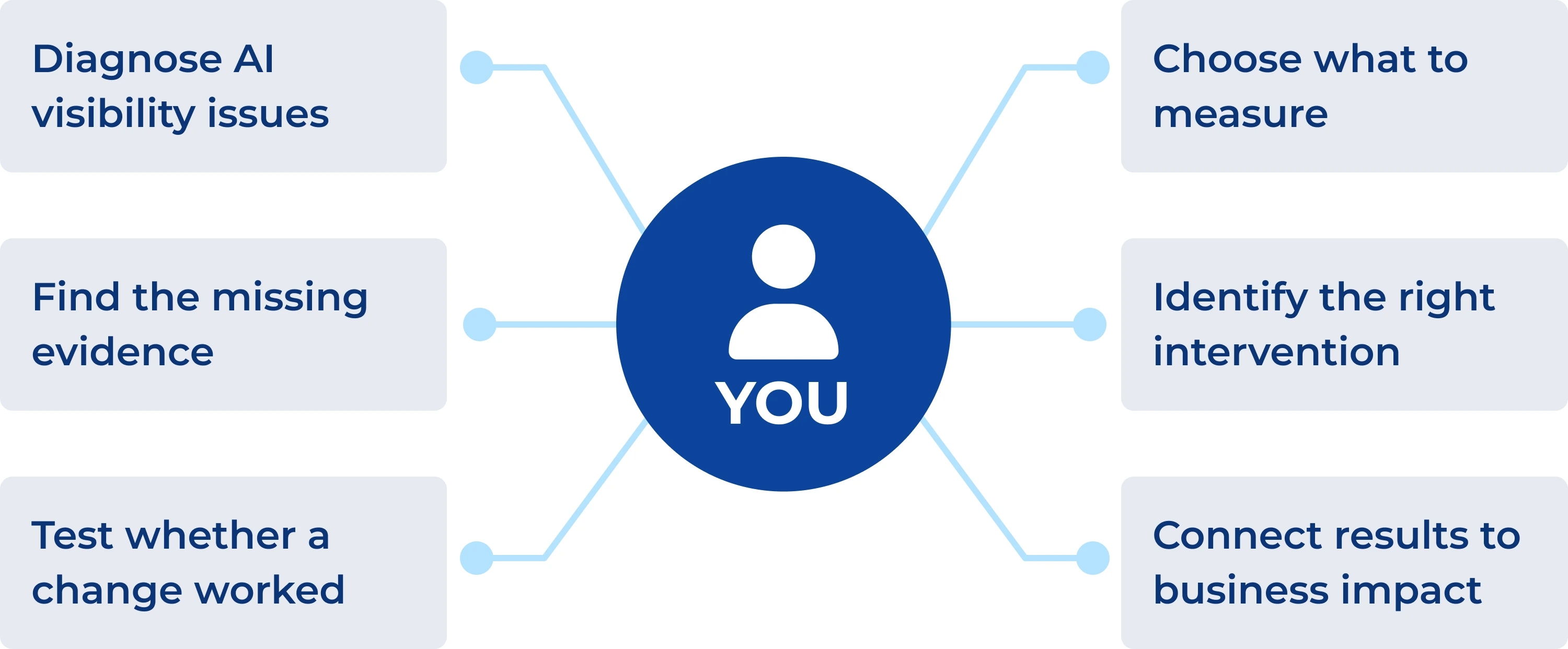
AI VISIBILITY EXAMPLE
1. Problem
Competitors are recommended more often in AI answers.
2. Baseline
Check the prompts, answers, citations, and sources that matter.
3. Diagnosis
Find the gap: retrieval, evidence, or recommendation criteria.
4. Intervention
Change the information or evidence causing the gap.
5. Re-test
Run the same prompts again and see what changed.
Explore The THREE Field Guides
Read online or download each guide below.
What is the AI answer environment doing?
AI VISIBILITY: DIAGNOSE, INTERVENE, REPORT
What must information enable people to do?
INFORMATION DESIGN FOR HUMANS AT WORK
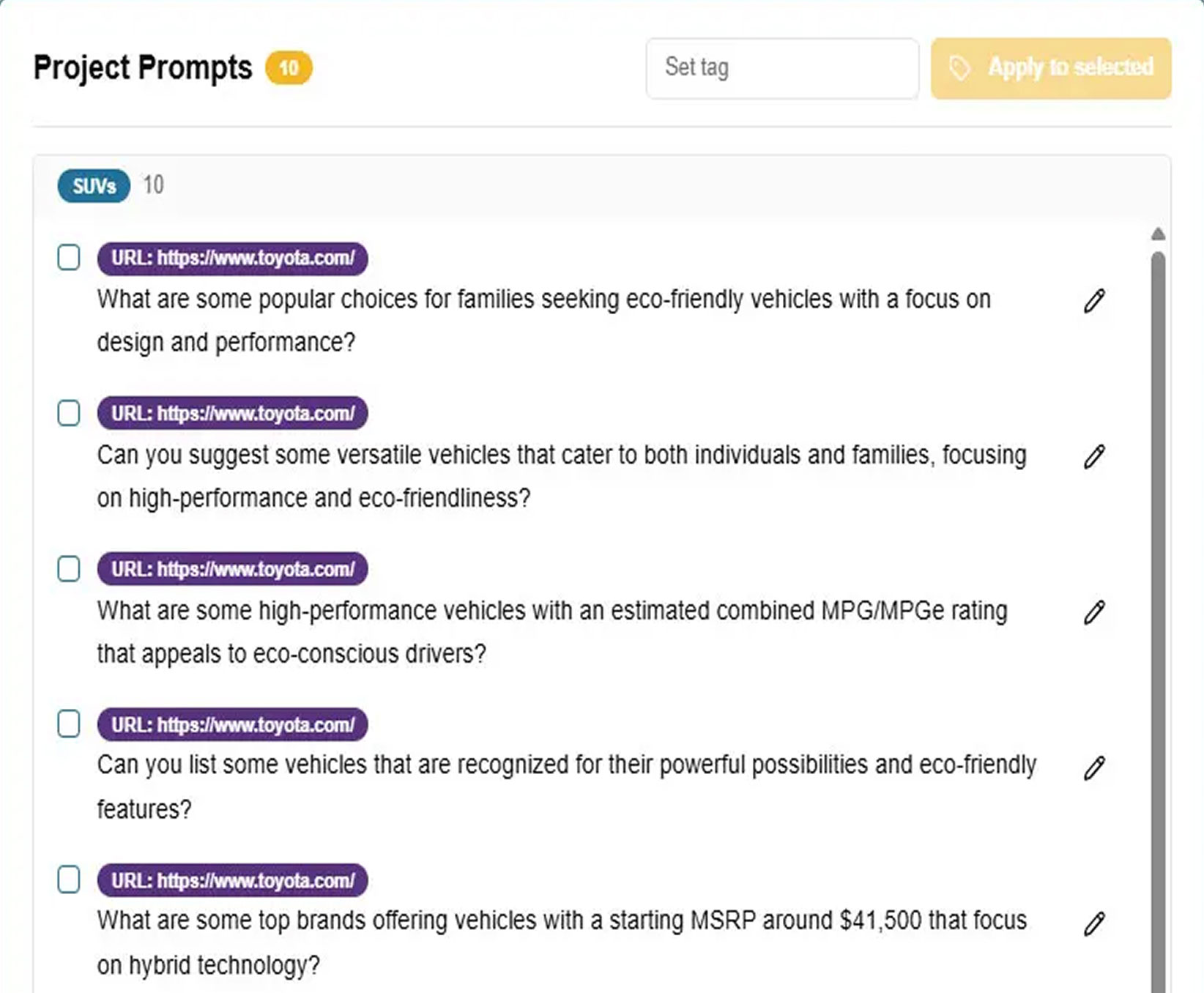
MEASURE THE AI ANSWER ENVIRONMENT
Use Xofu to run tracked prompts across AI platforms, establish a baseline, compare competitors and citations, and re-test after changes.
WANT HELP RUNNING THE PROCESS?
Work with the Xofu team to run the research, diagnosis, intervention planning, and measurement.